Skip to content
SwiftlyDaniel
OverviewProjectsMusicInterface experimentsPianoAI playground
SOFTWARE

Projects

Applications, editor extensions, and themes I’ve made.

Vercel Carbon for Zed preview
01 / Zed theme

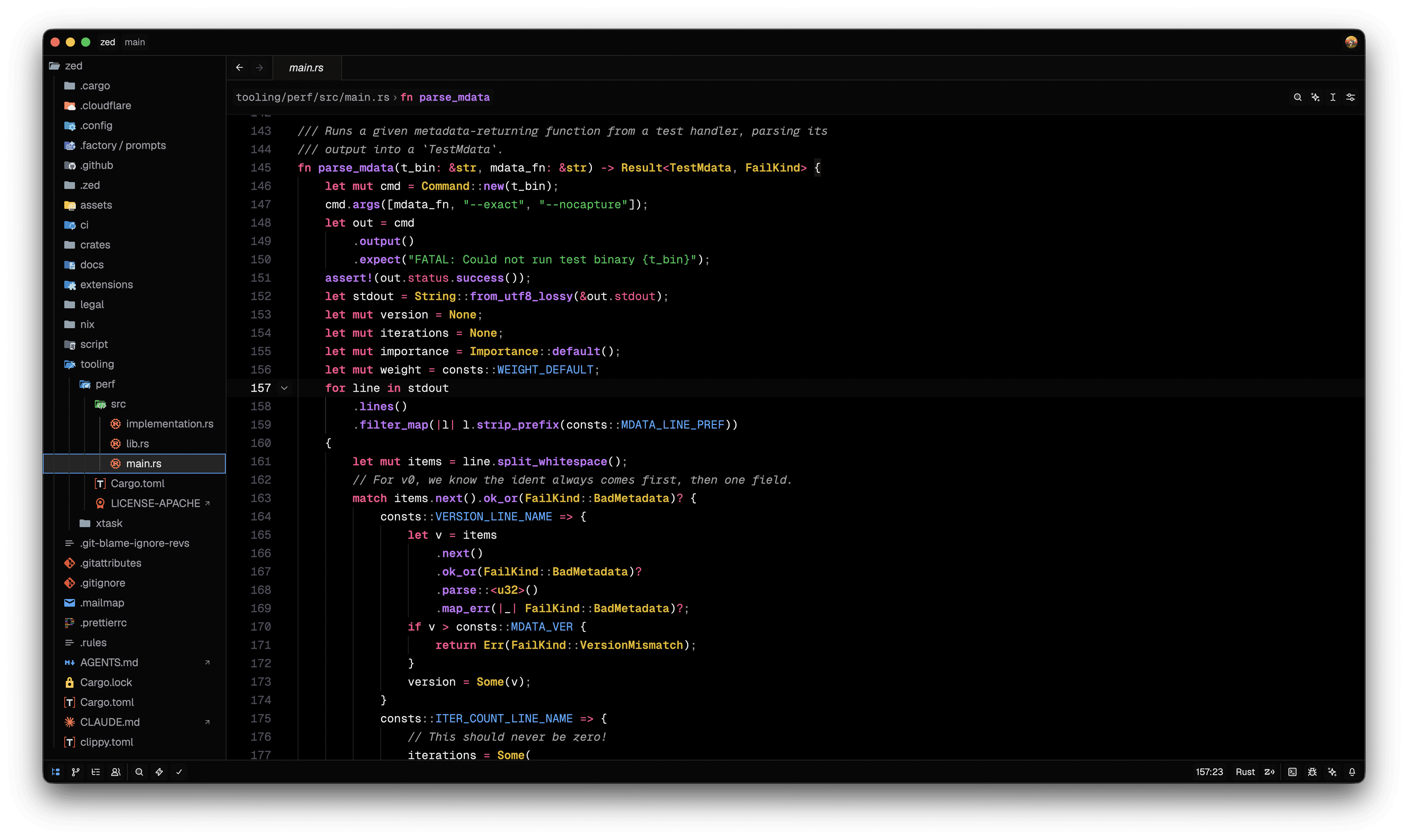
Vercel Carbon for Zed

A Zed theme inspired by Vercel's visual language.

View sourceInstall in Zed
About this project

Why I made it

I wanted a black theme on Zed that matches Vercel's style because I like it

What it does

Theme for Zed with both dark and light variants based on Vercel Carbon.

  • Vercel Carbon Dark
  • Vercel Carbon Light

Getting started

Install the extension in Zed, then switch to either Vercel Carbon Dark or Vercel Carbon Light in the theme selector (⌘K ⌘T)
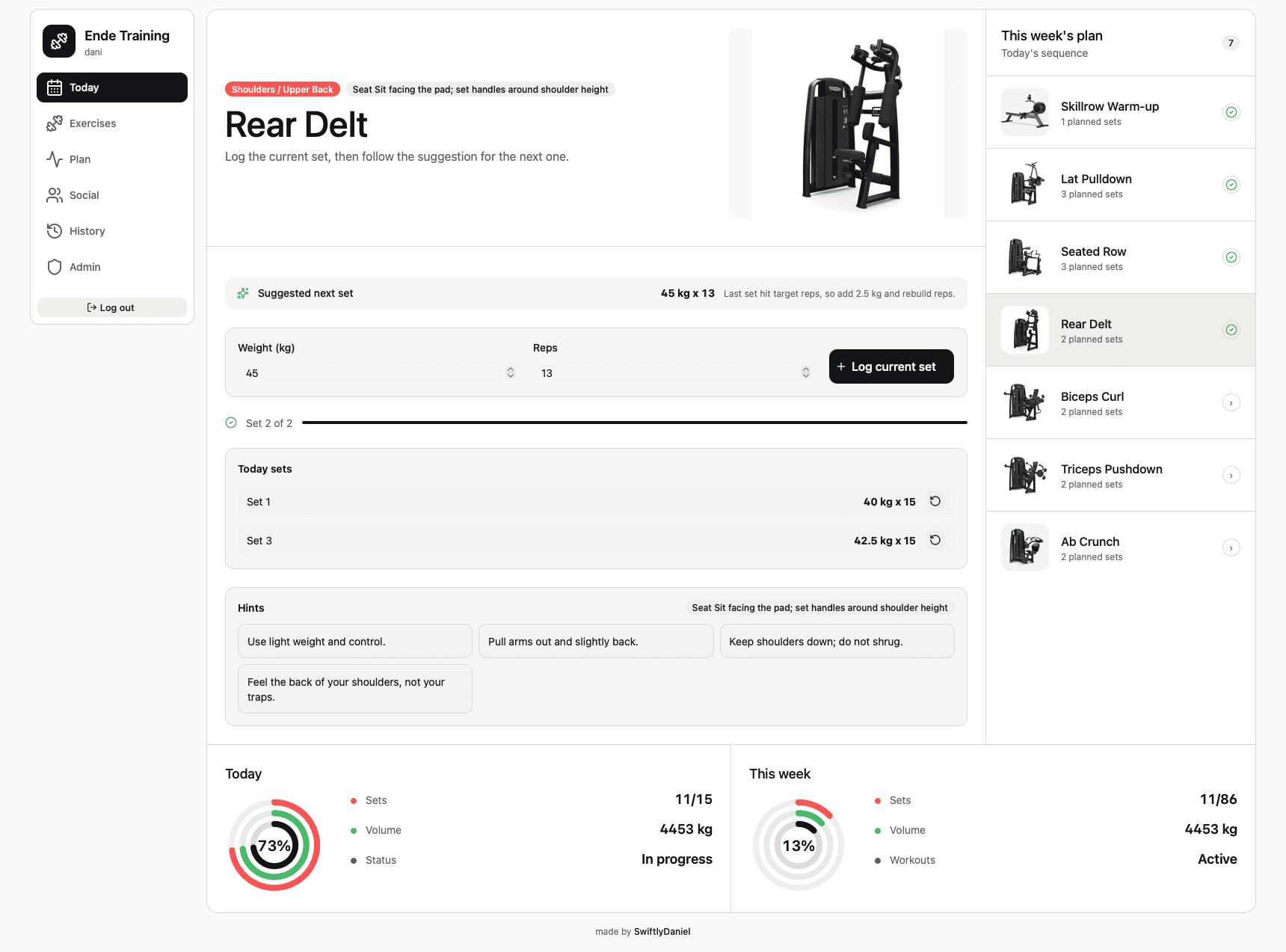
Ende Training workout dashboard
02 / Web application

Ende Training

A private workout planner and training log.

Open application
About this project

Why I made it

I wanted a focused place to prepare gym sessions and record each workout without fitting a generic tracker around my routine.

What it does

Plan weekly sessions, manage machine exercises, log sets, and track training progress from desktop or iPhone.

  • Exercise library with machine media, setup notes, and history-aware suggestions
  • Draft weekly planning with drag-and-drop exercises and day reordering
  • Responsive logging flow with social and progress views
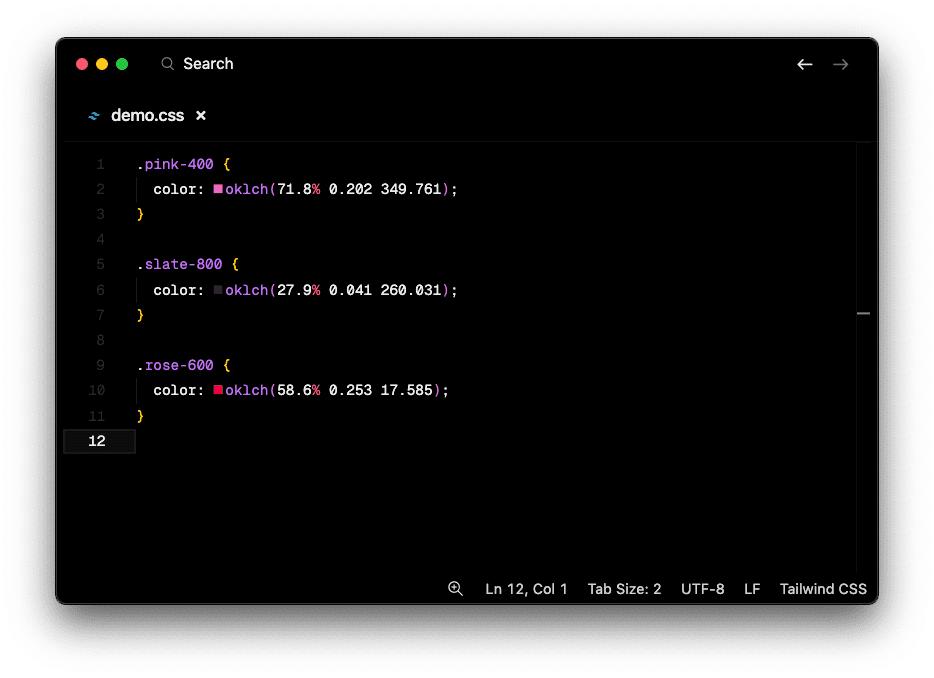
OKLCH Color Visualiser preview screenshot
03 / VS Code extension

OKLCH Color Visualiser

Preview OKLCH colours inline.

VS Code MarketplaceOpen VSXSource
About this project

Why I made it

Tailwind started using OKLCH colours, and there was no preview for them in VS Code

What it does

Provides inline previews for OKLCH colour values directly in your editor.

  • Inline visual feedback for OKLCH values
  • Improves readability of modern colour workflows

Getting started

Install the extension and open files containing OKLCH values to see the visual previews inline.

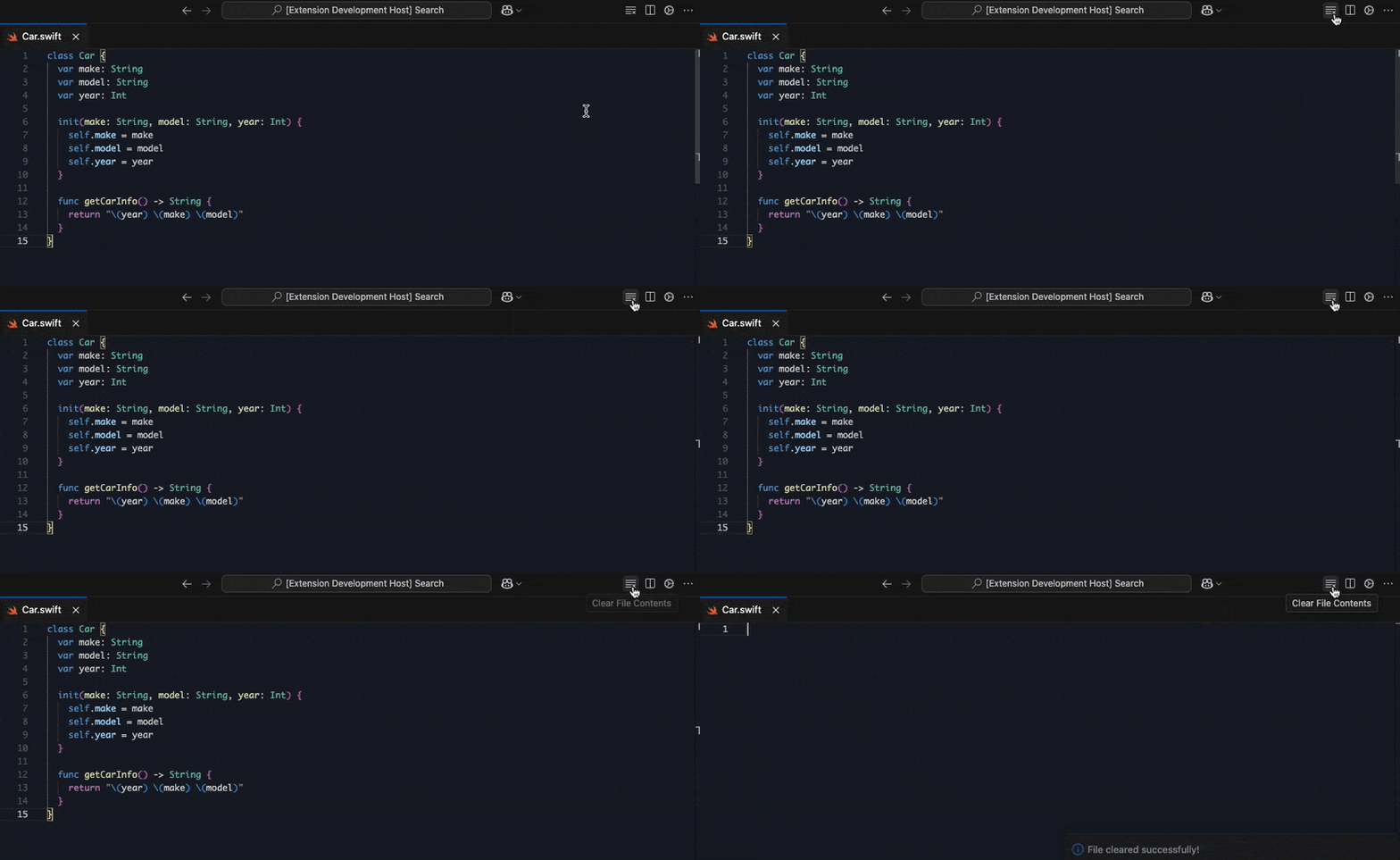
Clear File extension demo
04 / VS Code extension

Clear File

Clear the contents of the opened file.

VS Code MarketplaceOpen VSXSource
About this project

Why I made it

I constantly needed to clear the logs of a file while testing some feature (I know tail -f exists)

What it does

This VS Code extension adds a quick action to clear the contents of the currently active file.

  • Fast one-click or command-palette workflow

Getting started

Run the "Clear File Contents" command from the command palette, or use the editor action button.

SwiftlyDaniel
GitHubLinkedInEmail
Album Art
Album Art

Si no es contigo remix

Cris Mj

0:00

-0:30

Star
Previous track
Play
Next track
AirPods Pro